APKPure
APKPure quick access to update your apps and games without registration

Safe & Secure
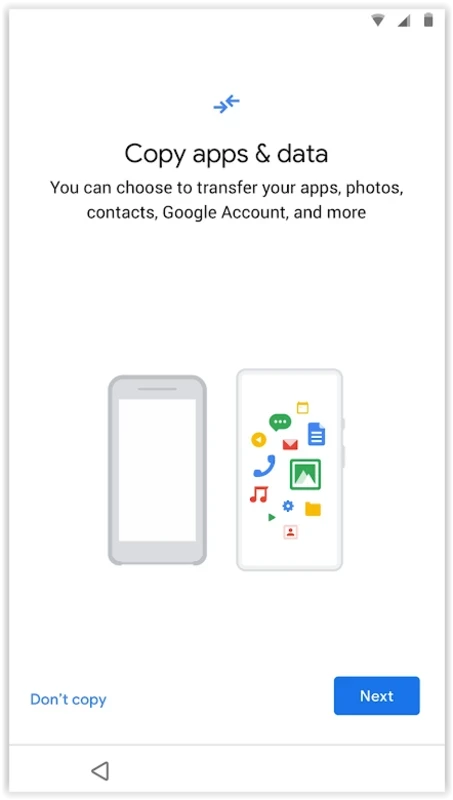
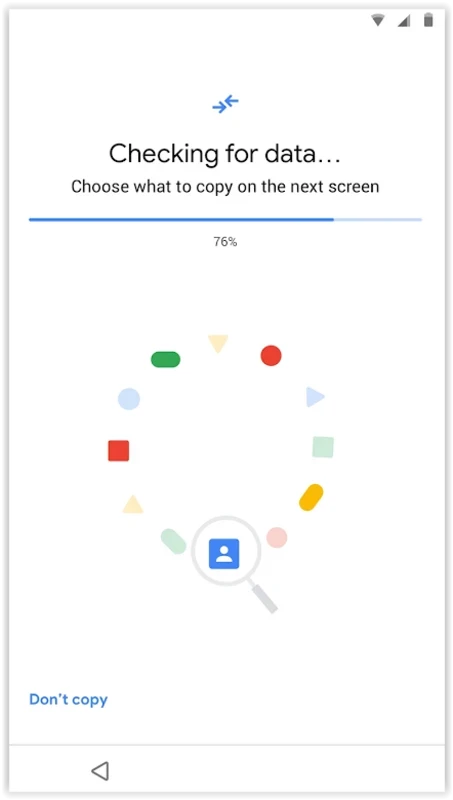
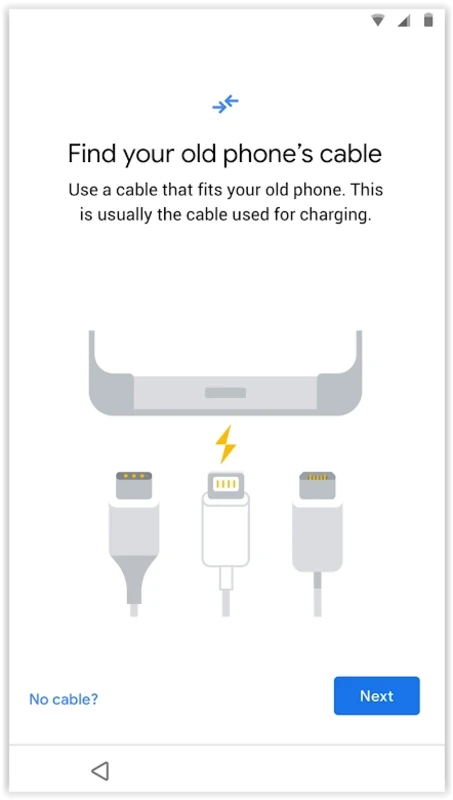
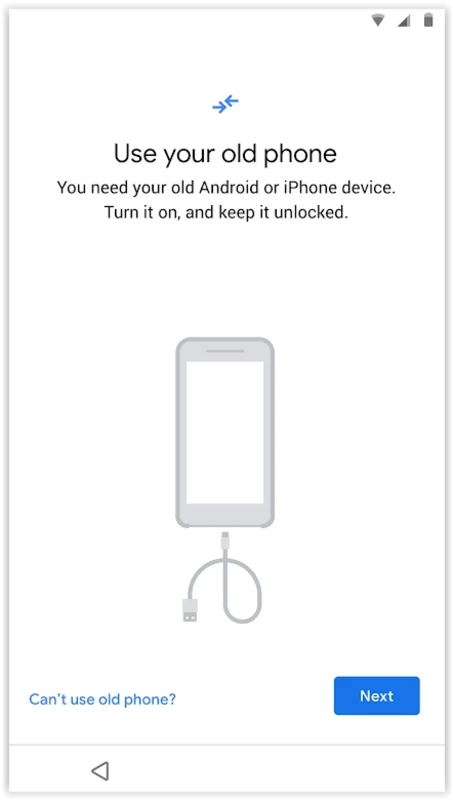
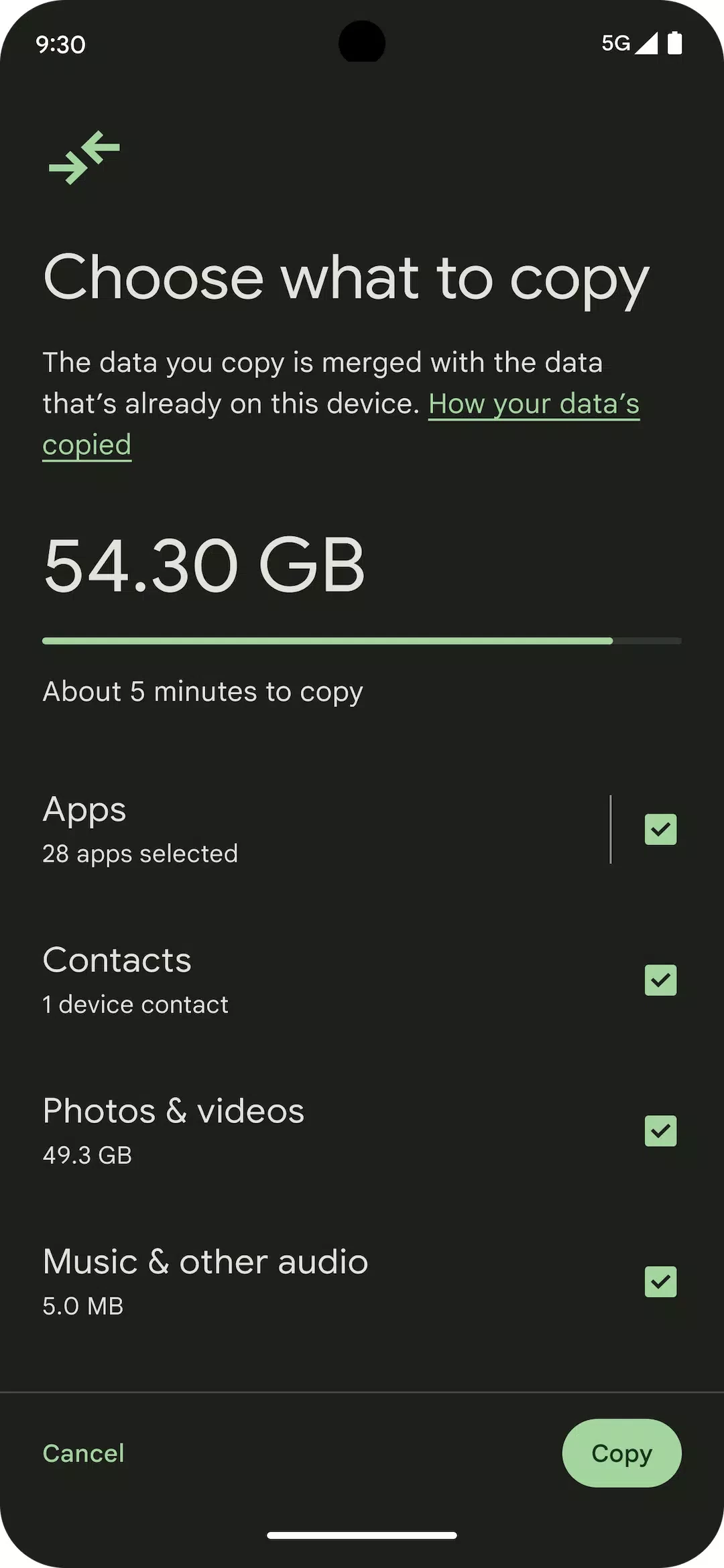
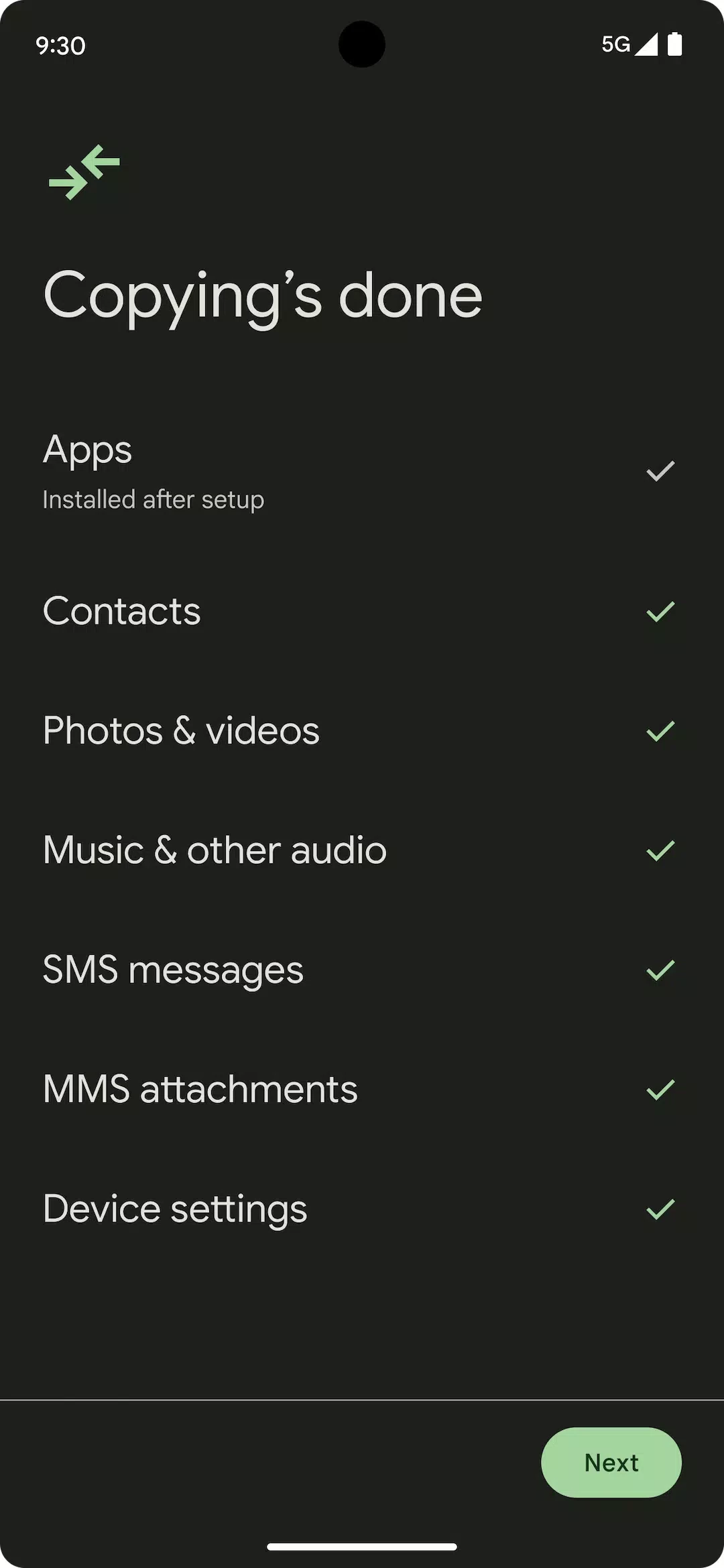
Android Switch offers quick switching of mobile data from one device to another. It supports both types of transfer methods; wireless and cable. You can store your data in the cloud and restore it on another device, as the tool is reliably compatible with multiple popular brands and carriers.
The innovative tool offers a simple and user-friendly interface that also supports a hassle-free and straightforward process of transferring of data between two or more devices. The customizable utility offers a seamless as well as personalized data management facility.
Android Switch, developed by Google, is free software in the System Utilities category. It has become pre-installed in most of Android devices, and you can access to it after first setup. However, you can run it on Pixel 9, Pixel 9 Pro, and Pixel 9Pro Fold after setup from Settings, and use cloud back for restoring, instead of using your old device.
The app with wide compatibility, user-friendly interface, awesome customization, and lot of other robust features offers an efficient device switching process. The improved security measures reinforce the reliability of the tool, ensuring a foolproof data transfer.
The clean and intuitive interface that prefers simplicity a lot, as it offers straightforward navigation across multiple sections. The logical layout and menus are well-organized to offer a seamless onboarding process while assisting the new users. To connect your devices using a cable, follow the iPhone transfer process. Start setup, and click on Android Switch after selecting to copy your data. The transfer process will take time according to the size of transfer and the destination of the devices.
The app offers flexible and versatile methods of connecting the devices for seamless transfer. It is up to users to choose the method they prefer, such as wireless or cable. It makes it possible to start the transfer process while using what you have on hand, and continue reliably.
You will find huge compatibility with all types of Android operating systems 8.0 (Oreo) and higher. So, you can easily move to virtually any Android device to bring data regardless of devices such as iPhone or Android, and also from any major brands, including Google, Samsung, etc. it makes possible to switch without changing carriers or accounts. In addition, the app also compatible with multiple popular cloud storage services such as Google Drive, Dropbox, etc.
The innovative guides are available to assist the users, specifically novice and helps them what type of data they need to copy. Moreover, monitoring of on progress process is also possible, and also exploring the new phone. In the way you can learn about completing the transfer time. It allows you to bring all types of content, including contacts, photos, videos, calendars, SMS or MMS, WhatsApp chat history, and even other eligible apps.
The app comes pre-installed in most of Android devices, and has multiple protocols embedded with its architecture while ensuring user data integrity. This built-in tool offers quick and seamless transfer of data between devices without using any third-party tool, and enables users to keep all the transfer processes in their hands. The encryption methods are available for stored backups and ensure foolproof privacy settings. In addition, the delivery of regular updates help to fix upcoming potential vulnerabilities.
The app offers smooth and fast performance across supported devices with minimal impact on system resources. Swift response times are mentioned by users while operating daily tasks within a stable performance. Backups are reliable and they are mentioned as successful completion rates according to user’s feedback. However, the larger backups may take a longer time depending on device specifications.
The app offers lot of innovative customization options to personalize the app as according to your preferences. So, you can change themes, wallpapers, icon packs, widget management, and so on. In this way, you can personalize the device aesthetic.
The app is available with a free license, so you can use the core features without paying any fees. However, using advanced functionality requires a subscription plan. If you are interested to use unlimited backups and multiple customization options, you have to purchase the subscription plans, or simple select one-time purchases from Google Play Store.
The customer support is available to assist users if they have any issues while using the app. The users can contact the developers using email, FAQs, and a quickly responsive help center, and discuss their issues to fix them.
Pros
Cons

APKPure quick access to update your apps and games without registration

vnROM BYPASS FRP GOOGLE ACCOUNT from your Android device

Aptoide APK provides limitless apps to install and share

Download Google Play Store APK for Android and enjoy your favorite Android apps or games on your mobile devices

FRP Bypass is a free tool used for bypassing the Google lock, screen lock, and factory reset.

InstaUp automates your Instagram followers free of charge